Live captions on your wrist.
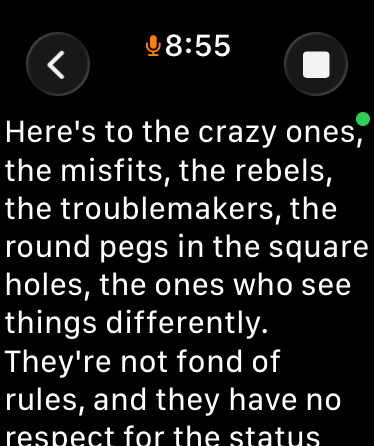
Your Apple Watch listens and shows you what people are saying — your iPhone can stay in your pocket. Nothing is uploaded, because there is nowhere to upload it to.
Join the TestFlight beta Free, via Apple's TestFlight app. Needs an iPhone and a paired Apple Watch. App Store release to follow.
- The watch does the listening. The microphone is on your wrist, where the conversation is — no placing a phone on the table between you and the person talking.
- Your iPhone makes it sharper — even from your pocket. What the watch hears streams privately over Bluetooth to your phone, which does the transcribing — nearby, even in your pocket. Want captions with no phone at all? Download the free on-watch model once from the iPhone app, and the watch can caption entirely on its own.
- Works with no signal at all. No Wi-Fi, no cellular, no account. Transcription runs on your own devices; the only download is the optional on-watch model.
- Nothing leaves your devices. No servers, no analytics, no ads, no tracking. Conversations stay between your watch and your phone unless you choose to share one.
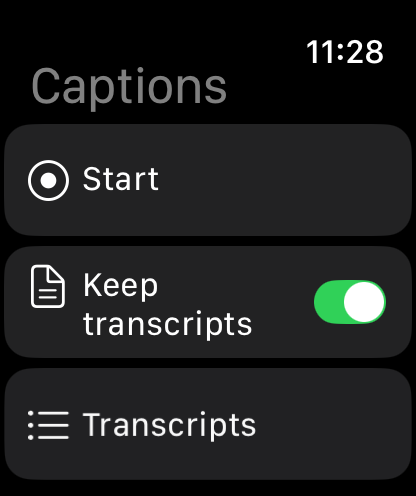
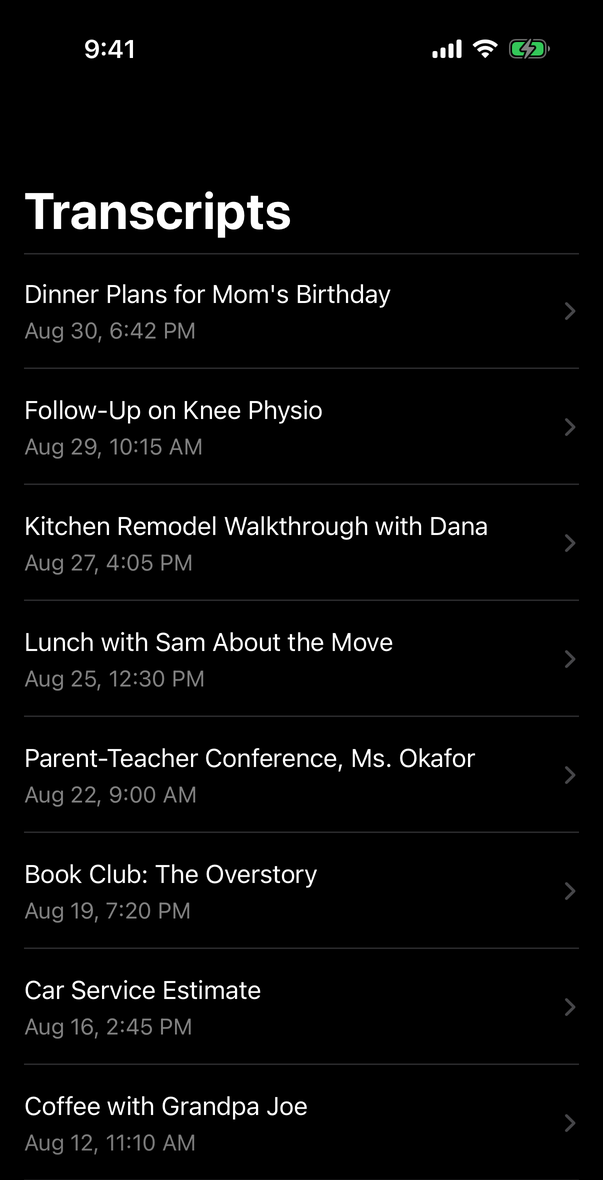
- Keep what matters. Save a conversation, read it later on your phone with an on-device summary, and share it to Notes, Obsidian, Mail — anywhere you like.
- Free, with no catch. No subscription and no upsell. If it helps you and you'd like to say thanks, there's a tip jar. That's all.
What it does well, and what it doesn't
Captions works best in one-to-one and small-group conversation at ordinary speaking distance. Like every speech recogniser, it struggles in noisy rooms, with several people talking over each other, and with accents it hasn't heard much of. It does not label who is speaking, and it will get words wrong.
Captions is a convenience app, not a medical device or a hearing aid. It is not a substitute for professional captioning or interpreting, and it makes no claim to treat or diagnose anything.
Common questions
- How is this different from Apple's Live Listen captions?
- Live Listen listens with your iPhone's microphone, so the phone has to sit near whoever is speaking. Captions listens at your wrist — the phone can stay in your pocket and still do the heavy lifting over Bluetooth — and with the optional on-watch model installed, it keeps captioning with no phone at all. It can also save and summarise conversations rather than showing them once and forgetting. Apple's feature is free and built in; if it fits how you live, use it.
- Do I need an iPhone?
- Yes. Out of the box, your iPhone does the transcribing and needs to be nearby — in a pocket or bag is fine. If you'd like the watch to work with no phone present, the iPhone app offers a free one-time download of an on-watch speech model; after that, the watch captions on its own whenever the phone isn't reachable.
- Is my conversation sent anywhere?
- No. There is no server, no account, and no analytics. Audio is processed on your watch and your phone and is not stored after a session ends. See the privacy policy.
- Does it record the other person?
- Audio is transcribed as it is heard and is not saved. If you choose to keep a conversation, the text transcript is saved on your devices. Please be mindful that recording or transcribing others may require their consent where you live.